Most ERP software was built for manufacturing or retail. Construction gets treated as an afterthought - a few job costing fields bolted onto an accounting system and called “construction-ready.” If you run a construction company in Calgary, you already know that does not cut it. Your business runs on project-based accounting, and the software needs to reflect that.
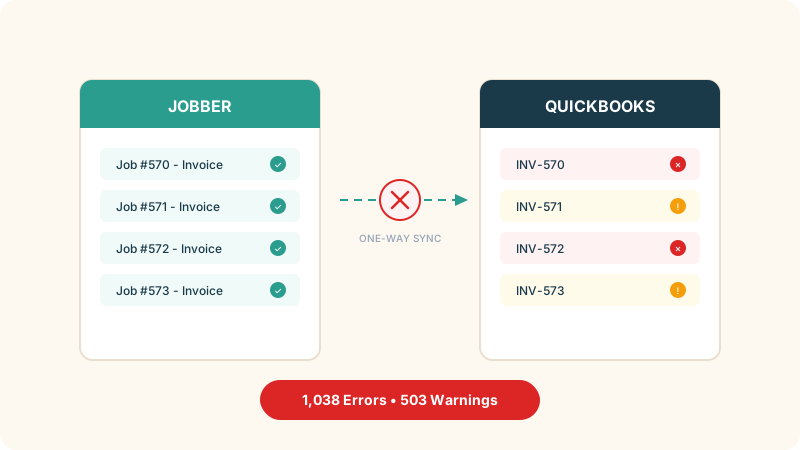
A good construction ERP ties estimating, job costing, purchasing, subcontractor management, and billing into one system so everyone works from the same numbers. If you are running QuickBooks plus Procore plus spreadsheets, you are doing this manually - and leaving money on the table in duplicate entry, missed change orders, and cost overruns caught too late.
Why Generic ERP Fails Construction
A standard ERP tracks revenue by department or product line. Construction needs costs by project, by phase, by cost code, and sometimes by individual work order - plus progress billing, retainage, and change orders mid-stream. A single project might generate invoices over 18 months, each tied to percentage completion. Standard accounting software was not built for that.
The 5 Must-Have Features for Calgary Contractors
1. Real Job Costing - Not Just Cost Tracking
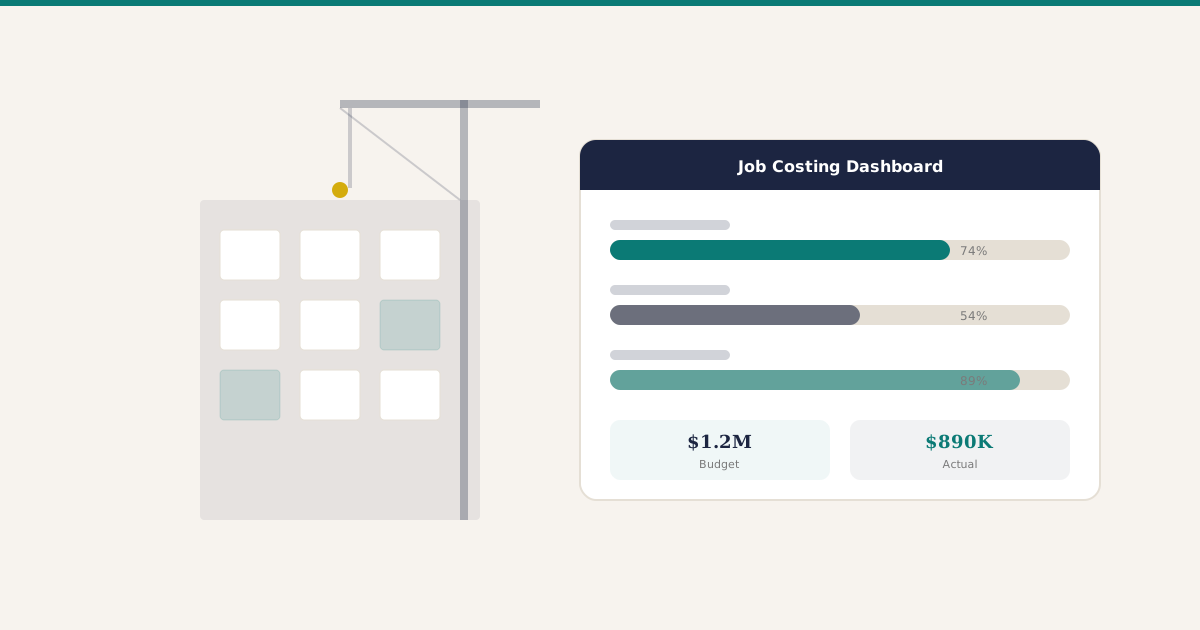
Job costing in construction means comparing estimated costs to actuals in real time, broken down by cost code - labour, materials, equipment, subcontractors, and overhead. You need to see that you budgeted $45,000 for concrete on Phase 2 and have spent $38,000 with 60% of the work done.
The key word is “real time.” If your job cost reports are two weeks behind, you are making decisions on old information. A proper construction ERP updates costs the moment a purchase order is approved or a timesheet is submitted.
2. Equipment Tracking and Allocation
Calgary construction companies running heavy equipment need to know where every piece is, what project it is allocated to, and what it costs per hour. Equipment sitting idle at a yard in the southeast costs you money. Equipment on a project but not reflected in job costs hides your true expenses.
The ERP should track location, maintenance schedules, and utilization rates, then automatically allocate costs to the right projects. If you are managing this on a whiteboard, you are one miscommunication away from sending a crew to a site without the excavator they need.
3. Subcontractor Management
Most Calgary GCs work with dozens of subtrades. You need to track insurance certificates and expiry dates, manage holdbacks, and ensure WCB (Workers’ Compensation Board) coverage is current before anyone sets foot on site. In Alberta, a sub with lapsed WCB coverage is not just risky - it can shut down your project.
A construction ERP should flag expiring certificates automatically, tie sub invoices to specific cost codes, and handle holdback calculations without manual work.
4. Progress Billing and Retainage
Progress billing in Alberta follows a schedule of values agreed at project start. Each month, you bill based on percentage completion per line item. The owner holds back a percentage - usually 10% per the Alberta Builders’ Lien Act - until the lien period expires.
The ERP needs to handle this natively. The software should let a PM input completion percentages that flow directly into an invoice, with retainage calculated automatically. Building this in spreadsheets outside the accounting system is asking for disputes.
5. Safety and Compliance Documentation
Alberta has some of the strictest workplace safety requirements in Canada. The ERP should at minimum connect to safety management - tracking COR (Certificate of Recognition) status, incident reports, and training certifications.
This matters in Calgary because many firms do work on or near energy infrastructure, adding compliance layers that construction ERPs built for Ontario or the US do not account for.
How Alberta Construction Is Different
Choosing an ERP built for construction in Texas or Ontario does not mean it works here. A few things make Calgary distinct.
Seasonal compression. Alberta’s construction season is intense and short. When the ground thaws in April, everything ramps at once until freeze-up in October. Systems need to handle the surge without becoming a bottleneck.
Oil and gas adjacency. Calgary’s economy ties back to energy. When oil prices shift, the pipeline of work shifts too. The ERP needs forecasting tools that show what is coming, not just what is happening now.
Alberta-specific regulations. WCB structure, Builders’ Lien Act timelines, and provincial safety requirements all differ from other provinces. The ERP needs to match Alberta’s rules, not generic Canadian defaults.
Comparing Your Options
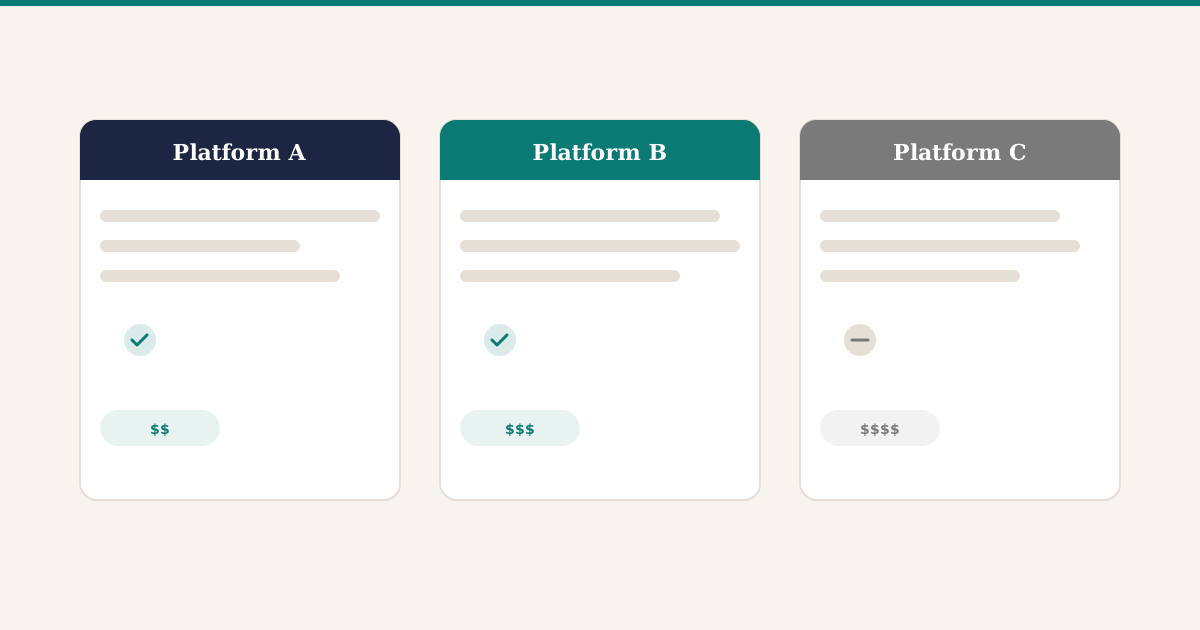
Here is a fair look at the main options Calgary construction companies consider. Each one has genuine strengths and real limitations.
Sage 300 CRE (formerly Timberline). The industry standard for construction accounting in North America. Job costing, progress billing, and retainage are built in and battle-tested. The interface feels dated, and licensing costs are high - but the depth of construction-specific functionality is hard to match. For firms with accounting teams already trained on Sage, the switching cost to anything else is significant. Best suited for established contractors with 30 or more employees who need proven, construction-first financials.
Jonas Construction Software. Canadian-built and designed for mid-market contractors. Strong in specialty trades - mechanical, electrical, and plumbing contractors in particular. Handles job costing, service management, and equipment tracking in a single platform. Less flexible if your business extends outside construction workflows (for example, if you also run a rental operation). Worth a close look for firms in the 30-to-100 employee range that want a system built specifically for how Canadian contractors operate.
Procore. The go-to platform for project management - RFIs, submittals, daily logs, document management, and field coordination. If your pain points are mainly around project communication and document control, Procore is strong. However, it is not a full ERP. Most companies using Procore still need separate accounting software, which means integrating multiple platforms and accepting the data gaps that come with it. Best thought of as a project management layer that sits alongside an ERP, not a replacement for one.
Odoo. A modular, open-source ERP covering accounting, purchasing, inventory, HR, and project management at a lower licensing cost than the options above. The tradeoff: Odoo does not have construction-specific job costing out of the box the way Sage does. Progress billing, retainage, and multi-level cost codes all require customization. Once configured properly, you get a modern system - but the implementation needs a partner who genuinely understands construction workflows and Alberta regulations. Best suited for mid-size contractors who want flexibility and lower ongoing costs, and are willing to invest in upfront configuration.
NetSuite. Oracle’s cloud ERP handles project accounting, purchasing, and financials with strong reporting. It scales well for growing companies and has a large partner ecosystem. Licensing costs are the highest on this list, and construction-specific features may still require third-party modules. Worth considering if you anticipate rapid growth or need a platform that covers both construction and non-construction business lines.
No single platform is the obvious winner. The right choice depends on the size of your operation, the complexity of your projects, and what problems you need solved first.
Questions to Ask Any ERP Vendor
Before signing anything, put every vendor through the same evaluation. These questions cut through the sales pitch.
Can you demo job costing with our actual cost code structure? Generic demos prove nothing. Ask them to set up a sample project that mirrors how you track costs today.
How do you handle Alberta retainage and Builders’ Lien Act timelines? If the answer is “we can customize that,” ask how long it takes and what it costs. If the answer is “what is the Builders’ Lien Act,” move on.
Which Calgary or Alberta contractors are using your system right now? Ask for references you can actually call. Not a logo wall - a phone number for someone running a similar operation.
What does the first year cost - all in? Licensing, implementation, customization, training, data migration, and ongoing support. Get the total number, not just the monthly subscription.
What happens when something breaks during peak season? Support response times matter most when you are billing on 15 active projects and a system issue means invoices do not go out.
How does your system integrate with what the field already uses? If project managers live in Procore or a field app, the ERP needs to connect to that reality - not replace it with something nobody will adopt.
Practical Next Steps
If you are evaluating ERP for your Calgary construction company, here is a grounded approach.
Document your top five pain points. Not features you want - problems you have right now. Maybe it is job cost reports that take a week to compile, or subcontractor invoices sitting in a pile because nobody can match them to POs. Start there.
Get your project managers involved early. If they are not part of the evaluation, you will end up with software that makes accounting happy but does not help the field.
Plan for a realistic timeline. A construction ERP implementation for a 20-to-40 person Calgary firm typically takes 3 to 5 months. Anyone promising three weeks is cutting corners.
Budget for the transition, not just the software. Training, data migration, and the productivity dip during month one - those are the real costs that determine whether this succeeds.
The right ERP gives estimators, project managers, and accountants a shared view of every project so the numbers match, billing goes out on time, and cost overruns get caught while there is still time to do something about them.