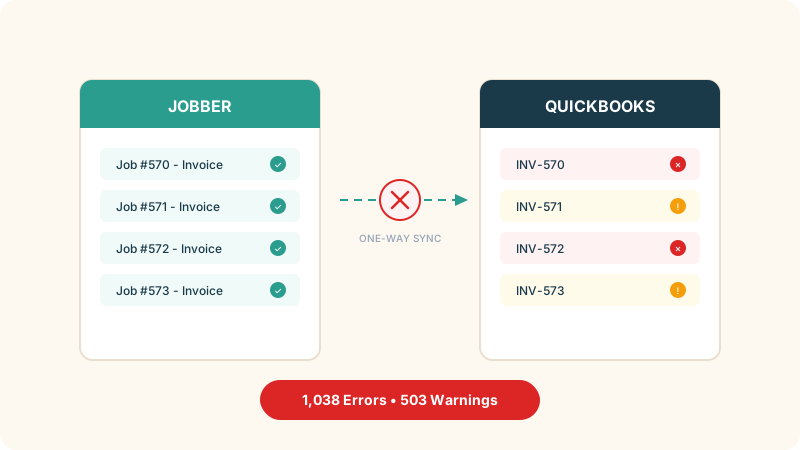
QuickBooks is fine when you have a handful of employees and straightforward books. But somewhere around the 15-employee mark, Calgary businesses start running into the same wall - too many spreadsheets filling the gaps, too much time spent re-entering data between systems, and too many workarounds that only one person in the office actually understands. If that sounds familiar, you are not alone. Businesses across Alberta are hitting these limits and looking at ERP systems that actually fit how they operate.
An ERP - enterprise resource planning - is really just one system that handles your accounting, inventory, purchasing, project tracking, and HR in one place. Instead of QuickBooks for the books, a separate app for inventory, another for timesheets, and a spreadsheet duct-taping it all together, an ERP puts everything under one roof. The data flows between departments without someone manually copying numbers from one screen to another.
Where QuickBooks Breaks Down in Calgary
The breaking points tend to be industry-specific, but a few patterns show up across the board.
Multi-entity headaches. If you run two or more companies - say a construction firm and an equipment rental subsidiary - QuickBooks makes consolidated reporting painful. You are exporting, combining in Excel, and hoping nobody fat-fingers a formula. For Calgary businesses with related entities, this alone burns hours every month.
Inventory that has outgrown spreadsheets. Distribution companies in the Calgary area often start with QuickBooks inventory tracking and quickly discover it cannot handle multiple warehouses, lot tracking, or real-time stock levels across locations. One common story is a distributor running QuickBooks alongside three different spreadsheets just to track what was actually in stock at one warehouse versus what was committed to orders.
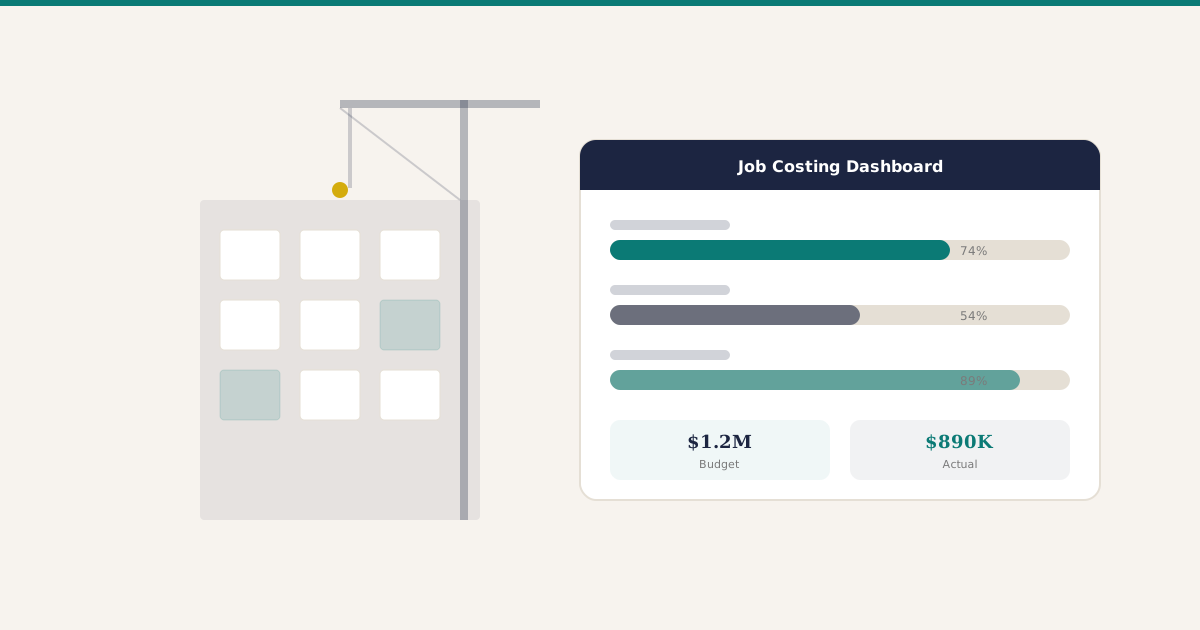
Job costing for construction and oil and gas. This is the big one in Alberta. QuickBooks has basic job costing, but it falls apart when you need to track costs across phases, handle progress billing, manage retainage, or allocate equipment costs to specific projects. Calgary contractors end up building elaborate workarounds or buying add-on software that never quite integrates properly.
Approval workflows that do not exist. When purchasing needs sign-off from a project manager before going to accounting, QuickBooks has no built-in way to handle that. Everything happens over email or - worse - sticky notes.
The 15 to 25 Employee Sweet Spot
There is a reason this employee range keeps coming up. Below 15 people, QuickBooks plus a few tools usually works well enough. The pain is manageable. Above 50, most businesses have already made the switch or are running something industry-specific.
But in that 15-to-25 range, you are big enough that the workarounds are costing real money - in labour, in errors, in decisions made on stale data - but small enough that a massive SAP or Oracle implementation makes zero sense. You need something that fits your actual size and budget.
Modern ERP systems have changed the equation here. Ten years ago, ERP meant spending $200,000 or more and taking 18 months to go live. Today, a Calgary business with 20 employees can be running on a proper ERP for a fraction of that, often going live within two to four months.
What the Switch Actually Looks Like
Nobody benefits from sugar-coating this part.
Timeline. For a Calgary business in the 15-to-25 employee range, a typical ERP implementation takes 8 to 16 weeks. That includes setting up your chart of accounts, migrating data, configuring workflows, and training the team. It is not a weekend project, but it is also not the multi-year nightmare that ERP had a reputation for in the early 2000s.
Cost. You are looking at somewhere between $15,000 and $60,000 for implementation, depending on complexity. Monthly costs for the software itself vary widely - from $25 to $100 or more per user per month depending on the platform and modules. Compare that to the $2,000 to $5,000 per month some businesses spend on QuickBooks Online Advanced plus all their bolt-on tools, and the math often works out closer than people expect.
The hard part. The technology is rarely the issue. The hard part is getting your team to change how they work. The office manager who has run everything through QuickBooks for eight years needs time and support to learn a new system. Budget for training. Budget for the productivity dip in month one. It pays off by month three, but be realistic about the transition.
How Calgary Industries Are Using ERP
Construction. A mid-size Calgary contractor tracking 10 to 15 active projects needs job costing that ties directly to purchasing, subcontractor invoices, and equipment allocation. With an ERP, when a project manager approves a purchase order, it automatically hits the right job cost code and updates the project budget in real time. No spreadsheet required.
Distribution. Calgary distributors dealing with suppliers in both Canada and the US need landed cost tracking, multi-currency support, and inventory across multiple locations. An ERP handles all of this natively instead of through add-ons that break with every update.
Retail and ecommerce. Businesses running both a physical location in Calgary and an online store need inventory to sync in real time. Selling something on the website needs to immediately reduce the in-store count. QuickBooks does not do this without expensive third-party connectors.
Professional services. Engineering firms, environmental consultants, and other project-based businesses in Calgary need time tracking tied directly to project billing. An ERP connects the timesheet to the invoice to the revenue recognition, all in one flow.
ERP Options Worth Considering
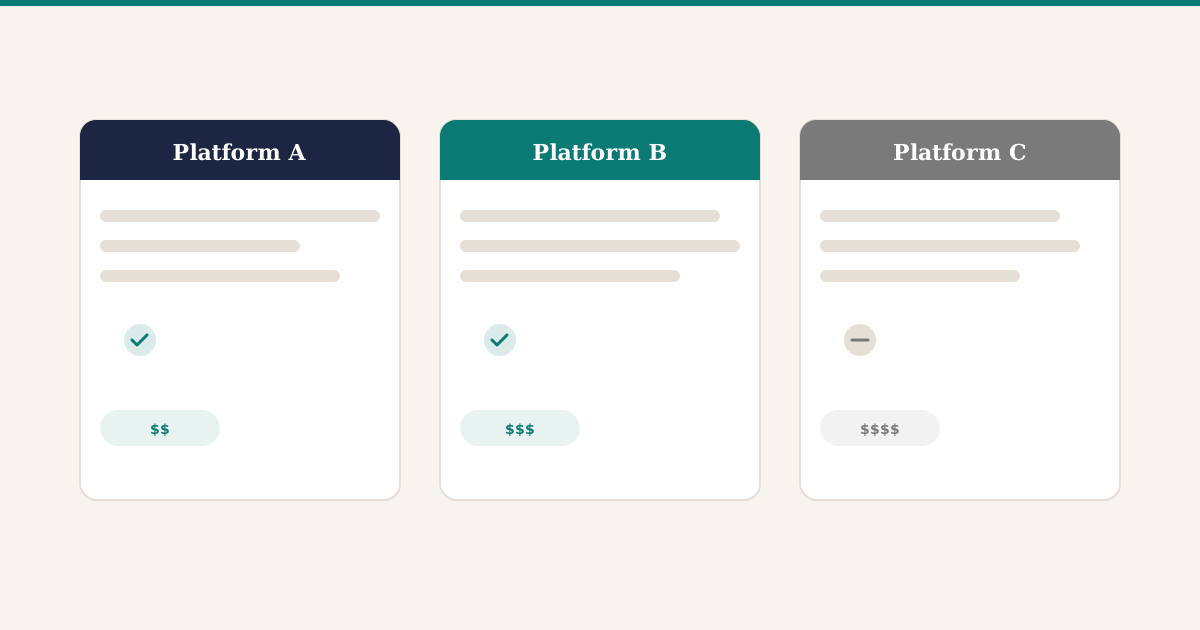
Calgary businesses in the 15-to-50 employee range have several solid options, each with real tradeoffs.
Odoo. Modular and open-source, so you can start with accounting and inventory, then add manufacturing or HR later. The community edition keeps costs down, and the interface is more approachable than most legacy systems. The downside: it is a general-purpose platform, so industry-specific workflows - especially in construction or oil and gas - require customization and a knowledgeable implementation partner.
Acumatica. A cloud-native ERP with strong distribution and project accounting features. Licensing is based on resource consumption rather than per-user, which can be cost-effective for larger teams. The tradeoff is higher upfront implementation costs and a smaller partner ecosystem in Alberta compared to more established platforms.
Sage Intacct. Best known for its financial management depth. If your main pain is multi-entity consolidation, complex revenue recognition, or tight audit trails, Sage Intacct handles that well. It is less strong on inventory and operations, so businesses needing full supply chain coverage may still need integrations.
NetSuite. Oracle’s cloud ERP covers a broad range of functions and scales well as businesses grow past 50 employees. The platform is mature and feature-rich, but licensing costs are significantly higher than the other options here, and implementation timelines tend to run longer. Best suited for businesses that expect rapid growth and want a system they will not outgrow.
Each of these platforms has a different sweet spot. The right choice depends on your industry, your biggest pain points, and what you expect your business to look like in three to five years.
Making the Decision
If you are spending more than five hours a month on workarounds - manually moving data between systems, building reports in Excel because QuickBooks cannot give you what you need, or chasing down information that should be at your fingertips - it is probably time to look at ERP seriously.
Start by documenting your actual pain points. Not a wish list of features, but the specific things that cost you time and money right now. That list becomes your evaluation criteria, and it keeps the conversation grounded when vendors start showing you bells and whistles you will never use.
Talk to at least three vendors. Ask each one to demo against your specific workflows, not a generic presentation. Ask for references from Calgary businesses in your industry - not just any customer, but someone running a similar operation. And pay attention to who asks good questions about your business during the sales process. That tells you more about the quality of the implementation than any feature checklist.
The businesses in Calgary that make this switch successfully are the ones that treat it as an operations project, not an IT project. The technology matters, but the real value comes from finally having your business run on one system that everyone trusts.