Spreadsheets are probably the most useful business tool ever made. They are free, flexible, and everyone knows how to use them. But there is a point where they stop helping and start costing real money - in errors, wasted hours, and decisions made on stale data. If three or more of the five signs below sound familiar, your business has likely outgrown spreadsheets as a primary operating system. That does not mean dropping $100K on enterprise software tomorrow. It means it is time to think about what comes next.
The tricky part is that this transition happens gradually. Nobody wakes up one morning and declares the spreadsheet era over. It creeps up, one broken formula and one missed update at a time.
Sign 1: Multiple People Are Editing the Same Sheets
There is a master inventory spreadsheet. Three people need to update it - the warehouse lead, the purchasing coordinator, and the operations manager. Even with Google Sheets or SharePoint, the result is conflicting edits, overwritten cells, and the dreaded “who changed this number?” conversation every Monday morning.
An oilfield services company in Calgary had their field coordinators and dispatch team both updating a shared equipment tracking sheet. One morning, a coordinator deleted a row while dispatch was mid-edit on the same section. They lost an afternoon of scheduling data and sent the wrong equipment to a job site near Red Deer. That mistake cost a day of downtime and a very unhappy client.
When more than two or three people need to read and write to the same data regularly, spreadsheets become a liability.
Sign 2: Month-End Takes Days Instead of Hours
If the bookkeeper or controller spends three to five days closing the books each month, something is broken. Most of that time goes to pulling data from multiple spreadsheets, reconciling numbers that do not match, and tracking down discrepancies that exist because someone forgot to update a formula or mistyped a figure.
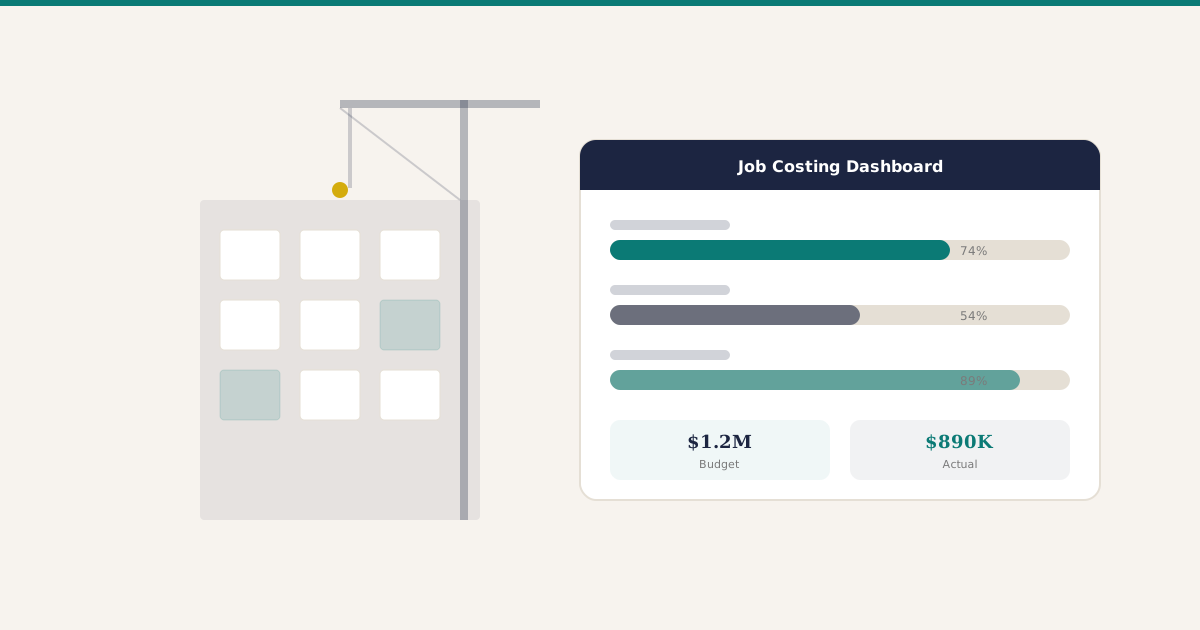
This is especially common in Calgary’s construction and trades sector. A mechanical contractor with 40 employees might have separate spreadsheets for job costing, accounts receivable, payroll tracking, and inventory. At month-end, someone has to manually connect all of those. It is tedious, error-prone, and it means the financial picture is always weeks old.
Sign 3: The Same Data Gets Manually Entered in Multiple Places
A customer calls and places an order. Someone types it into the sales spreadsheet. Then someone else enters it into the inventory sheet. Then it goes into the invoicing spreadsheet. That is three opportunities for a typo or missed entry. Multiply that by 20 orders a day and the system basically guarantees errors.
A retail chain in Calgary with four locations was running exactly this way. Every sale got entered into a store-level spreadsheet, then consolidated into a master sheet at head office. They discovered they had been underreporting inventory shrinkage by 12 percent because of data entry inconsistencies between stores.
Sign 4: Real-Time Numbers Are Not Available When Needed
The boss - or the biggest client, or the bank - asks a simple question: “What is the current AR balance?” or “How many units of X are in stock right now?” If the honest answer is “give me a couple of hours to pull that together,” the spreadsheet system is failing at its most basic job.
This hits Calgary oil and gas service companies hard. When commodity prices shift and clients start tightening budgets, a business needs to know its cash position, outstanding receivables, and committed expenses in real time - not after someone spends a morning updating formulas and cross-referencing tabs.
Business decisions made on data that is even a week old can be costly. In a volatile market like Alberta’s energy sector, they can be very costly.
Sign 5: New Hires Take Weeks to Learn the Spreadsheet System
A new hire shows up. They are competent and experienced. But it takes them three weeks to figure out the spreadsheet maze - which sheet to use for what, which columns are formula-driven and should not be touched, which tabs are current and which are archived, where the “real” version lives versus the backup copies.
If business processes require tribal knowledge to operate, that is a system with a single point of failure: the people who understand it. When those people leave, the knowledge goes with them.
A Calgary property management company had an office manager who built 15 interconnected spreadsheets over six years. When she retired, nobody could replicate what she did. They spent four months untangling formulas and recreating processes that had existed only in her head.
The Transition Path: No Need to Jump Straight to ERP
Recognizing these signs does not mean buying a full ERP system next week. There is a spectrum of options, and jumping to the most complex solution is its own kind of mistake.
Step 1: Clean up what you have. Sometimes the problem is not spreadsheets themselves but how they are being used. Consolidate redundant sheets, protect formula cells, and establish clear ownership - one person responsible for each sheet’s accuracy.
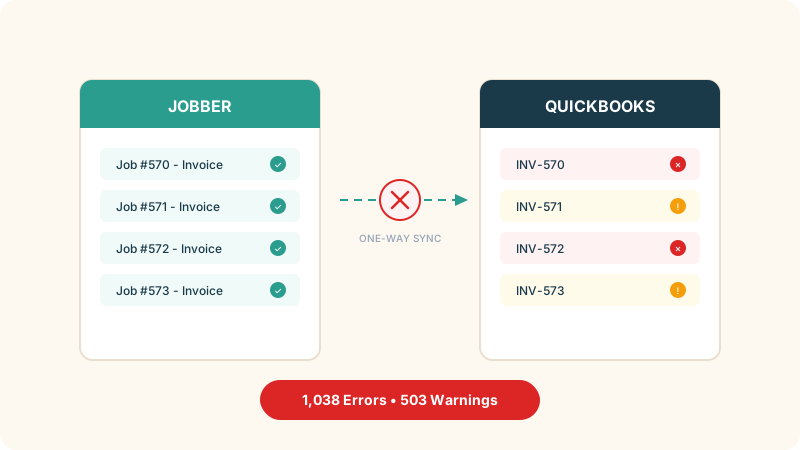
Step 2: Try lightweight tools first. If the main pain point is project tracking, a tool like Monday.com or Asana might be enough. If it is invoicing, QuickBooks Online handles that well for small teams. There is no need for a full ERP to solve one or two specific problems.
Step 3: Consider a modular system when the pain is systemic. When the issues span across departments - sales, inventory, accounting, and operations are all struggling with disconnected data - that is when a proper system pays for itself. Several platforms support a phased approach: Odoo lets you start with individual modules, Sage Intacct is strong for accounting-first rollouts, Acumatica scales well for operations-heavy businesses, and QuickBooks Enterprise works for companies that want to stay in a familiar ecosystem. Starting with one or two modules and adding more over time keeps the transition from overwhelming the team.
When Does the Investment Actually Make Sense?
Here is a rough guide for Calgary businesses:
Under 10 employees: Stick with spreadsheets plus a few targeted tools (accounting software, a shared task manager). The overhead of an ERP is not worth it yet.
10 to 30 employees: If three or more of the signs above hit home, start evaluating lightweight ERP or integrated business software options. A basic implementation can run $10K to $25K and pay for itself within a year through reduced errors and time savings.
30 to 100 employees: Almost certainly past the spreadsheet threshold. The question is not whether to move to a proper system but which one and how quickly.
100+ employees: If the business is still running on spreadsheets at this size, the conversation should have happened 50 employees ago.
Practical Next Steps
Spreadsheets are not the enemy. They are a great starting point. The key is recognizing when they stop being a tool and start being a bottleneck. If three or more of the signs above ring true, here is where to start:
- Audit the pain. List every spreadsheet the business depends on, who touches it, and where errors show up most. That map is more useful than any vendor demo.
- Calculate the real cost of the status quo. Add up the hours spent on manual data entry, reconciliation, and error correction each month. Multiply by loaded labour cost. That number is what any new system needs to beat.
- Talk to peers, not just vendors. Other Calgary business owners who have made this transition are the best source of honest feedback on what worked and what did not.
- Get three quotes. Whether evaluating lightweight tools or full ERP, get at least three proposals from different providers. Compare scope, timelines, and total cost of ownership over three years - not just the sticker price.